How to add a QR code RSVP to a printed wedding invitation
Where to print an RSVP QR code on a wedding invitation, how big to make it, and why the printed code keeps working when the date changes.
Summarize with ChatGPT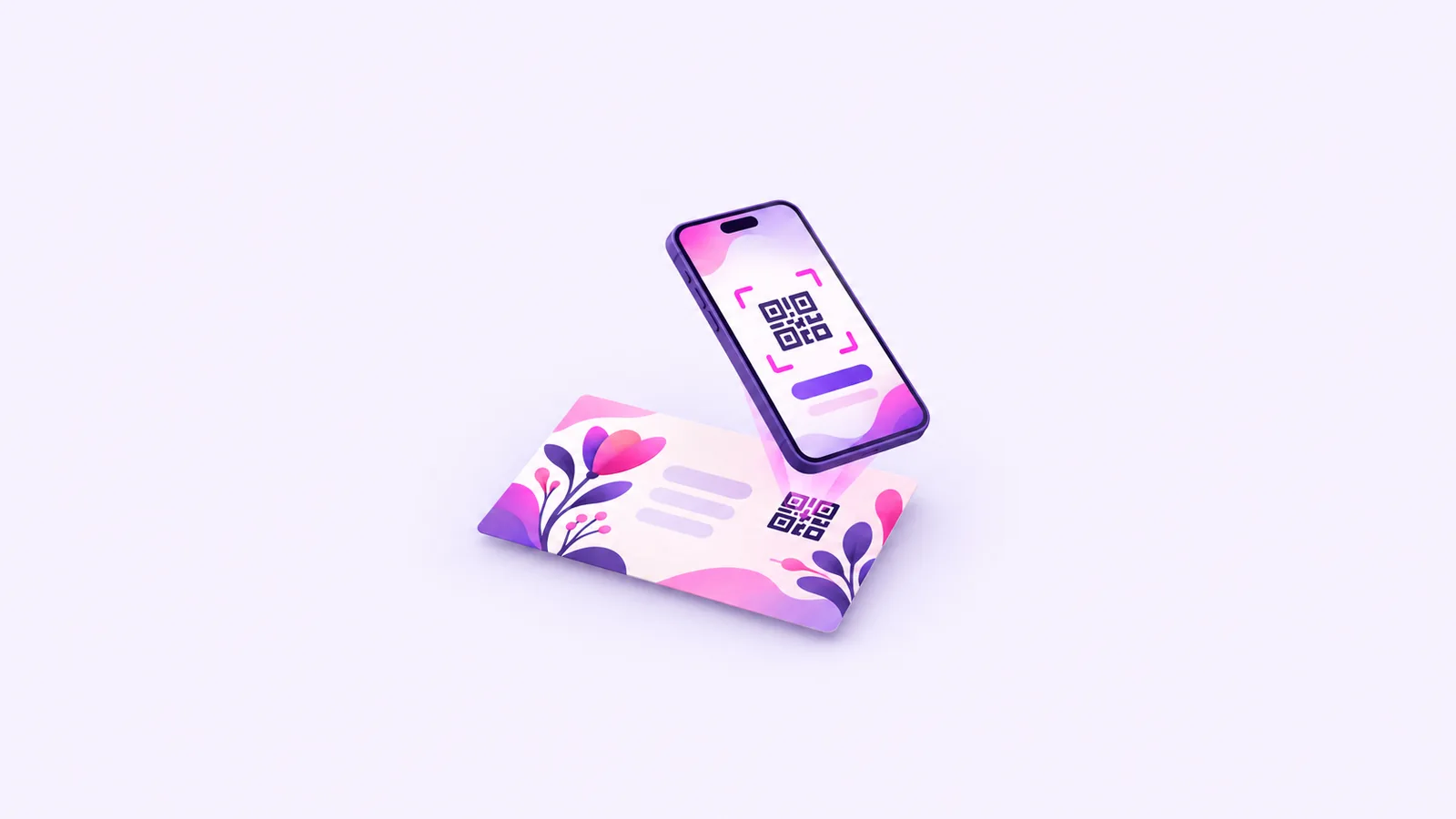
To add a QR code RSVP to a printed wedding invitation, make a web page for the invitation with an RSVP form, then print that page's QR code on the card or the RSVP insert. Print it at least about 0.8 inch (2 cm) square with a clear margin around it, and test it on several phones before the full print run. If the date or venue changes later, you update the page and the printed code keeps working, because it points to the same link.
How does a QR code RSVP work on a printed invitation?
A QR code is a printed link. The guest points a phone camera at it and the phone opens the address stored inside. For RSVP, that address should be a page where the guest can reply in a few taps, with the date, the venue and directions on the same screen.
With CardToPage, that page is built from your invitation card itself. Upload the design you are sending to the printer and the page shows it, with RSVP, a Directions button, a countdown and the schedule underneath. You can download a QR code of your page link and place it in the print file.
If you designed the card in Canva, our guide to adding an RSVP link and QR code to a Canva invitation shows where the code fits in the design.
RSVP is part of the full website, a one-time payment per website that includes 100 replies. Guests reply with their name, and with a WhatsApp number and dietary notes if you ask, plus up to two custom questions such as a meal choice.
Where should you print the QR code on a wedding invitation?
Most couples put it in one of these places:
- On the RSVP or details card. Guests expect to reply there, and it keeps the main invitation clean.
- On the back of the invitation, with a short line such as "Scan to RSVP and get directions."
- On the save the date, if the page is ready by then. Guests return to the same page later.
- On a welcome sign at the venue, so guests can check the schedule on the day.
Keep the code away from folds and busy patterns. Foil and high-gloss finishes can reflect light into the camera and make scanning harder.
How big should a QR code be on an invitation?
Common print guidance puts the minimum at about 0.8 inch (2 cm) square. On a 5 x 7 inch invitation, 1 inch (2.5 cm) is easier to scan and still looks neat. Go larger if many guests are older or will scan from a distance.
A few print rules make the difference between a code that scans first time and one that doesn't:
- Leave a clear margin of plain background around the code on all sides.
- Use strong contrast, ideally a dark code on a light background. Pale codes and metallic inks often scan poorly.
- Keep it square. Stretching it to fit a space can break it.
- Print the short link under the code for anyone who can't scan.
- Scan the printer's proof with an iPhone and an Android phone, at arm's length and in dim light, before you approve the run.
On the full website you also get a readable custom link, such as cardtopage.com/i/pooja-rahul, which is easier to type from paper than a random one.
What happens to the QR code if the wedding date changes?
The code stores the link, and the link does not change when you edit the page. Update the date, venue or schedule in CardToPage and every guest who scans the printed code sees the new details. The code itself needs no reprint.
The printed card is a different matter. Ink can't update, so a card that shows the old date will still show it. Send guests a short message about the change and point them to the page, which now has the right details. If the venue moved, check the new pin so the Directions button leads to the right entrance. Our guide to adding directions to an invitation covers pin placement.
Use a code that holds your page link directly. Some third-party QR generators make dynamic codes that redirect through their own service, and those can stop working if that account lapses. The CardToPage QR code is a code of your page link itself.
How long will a printed QR code keep working?
A full website stays live until 14 days after its last event date, and the dashboard shows the date. That covers invitations mailed months ahead.
A free Starter website is hosted for 30 days from its first publication and has no RSVP, so it is a poor fit for printed invitations. If you printed a Starter code and want more time and RSVP, upgrading to the full website keeps the same link.
How do you add a QR code RSVP to your invitation?
- 01Build the page first Upload your final invitation design in the CardToPage editor, check the details and set up your RSVP questions.
- 02Publish and set the link Choose a readable custom link, then publish so the address is final.
- 03Download the QR code Save the code for your page and place it in the print file at 0.8 inch square or larger.
- 04Add a line of text Print a short instruction such as "Scan to RSVP" and the link next to the code.
- 05Proof and test Scan the printer's proof with two or three phones before approving the run.
- 06Keep the page current Edit the details on the page when plans change. The printed code keeps pointing to it.
What else do couples ask about QR code RSVPs?
Can a QR code replace a paper RSVP card?
For most guests, yes. Print the short link as well, and give a phone number for anyone who would rather call.
What size should a QR code be on a wedding invitation?
At least about 0.8 inch (2 cm) square, with a clear margin around it. 1 inch is easier to scan on a 5 x 7 card.
Will the QR code still work if I change the wedding date?
Yes. The code points to the page link, and editing the page keeps the same link.
Do guests need an app to scan the code?
No. Most phone cameras open QR codes directly, and the page opens in the browser with no sign-in.
How long does the QR code keep working?
On a full website, until 14 days after the last event date. A free Starter page is hosted for 30 days from first publication, so it suits invitations sent close to the event.
Can I put the same QR code on the save the date?
Yes, if the page is ready. One link means guests always land on the same page.
Already have your invitation card or video? Turn it into one link with RSVP and directions.