Your invitation, now with RSVP and directions.
Upload the invite you already made, in Canva or anywhere, and get a digital invitation with RSVP, directions, a countdown and a wishes wall. One link for your guests, made for every celebration: weddings, birthdays, baby showers, housewarmings and festivals. Your first two pages are free.
Free to try. Your design stays as it is.
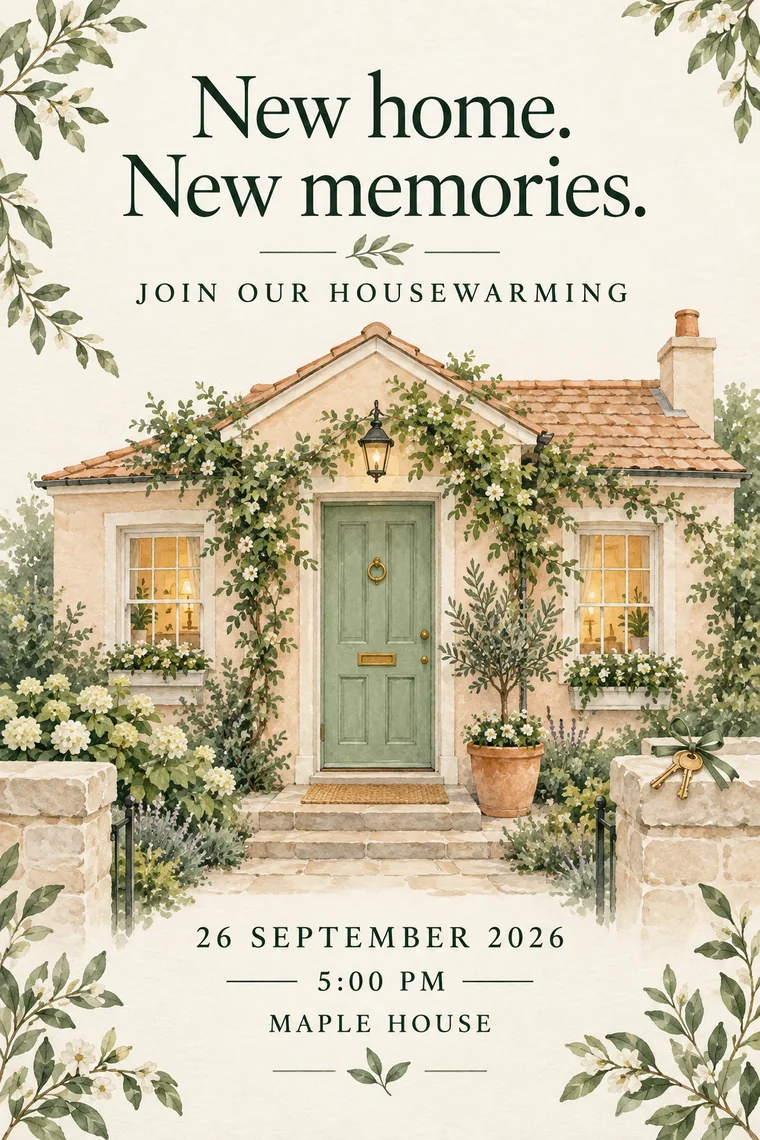







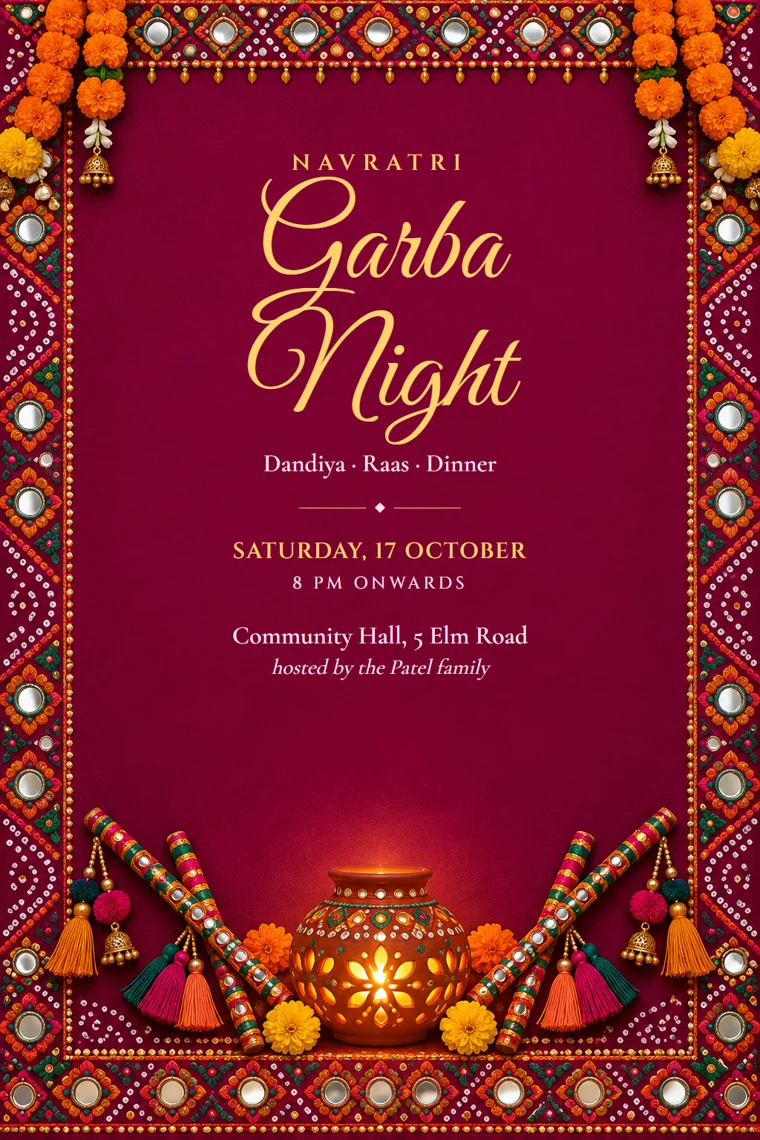

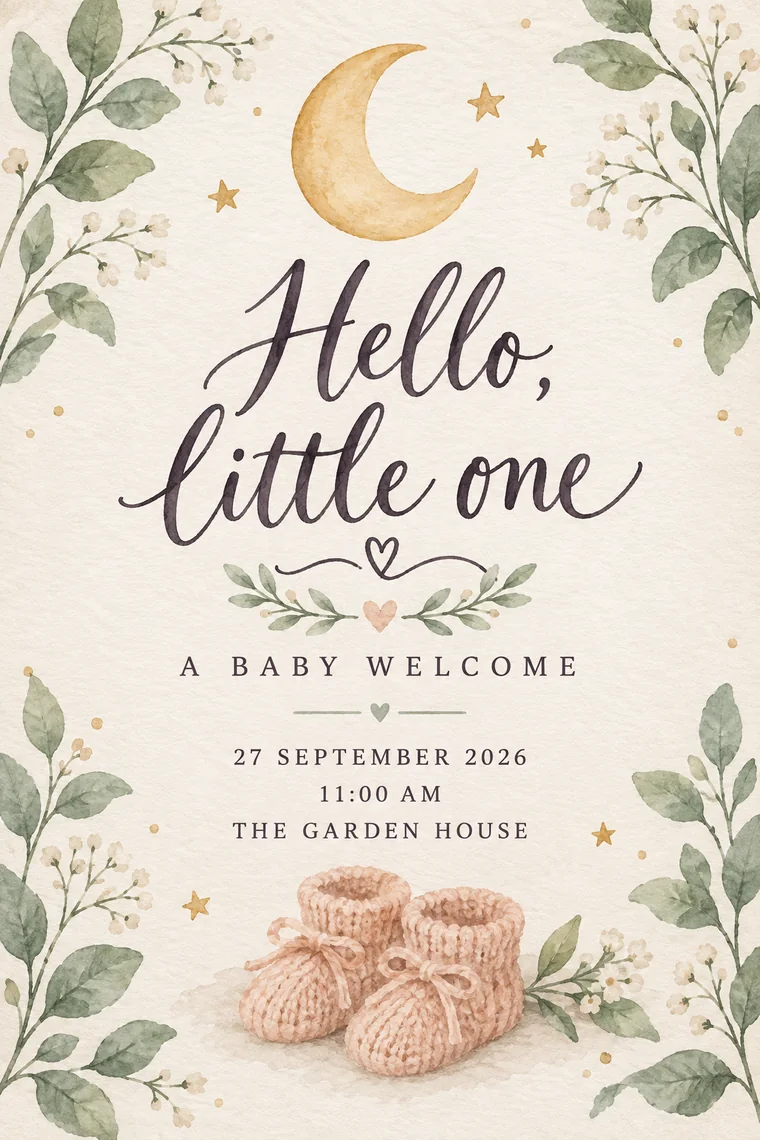

Pick a theme. Make it yours.
Your own invitation, wrapped in a matching page. Explore themes for weddings, birthdays, festivals and business events, with directions, music, RSVP and an included Wishes Wall.
Explore themesA wall of wishes, from everyone.
Included free with your full CardToPage website. Guests leave a blessing or a note right on your invite, on one wall you keep long after the day.
See the Wishes Wall cardtopage.com/i/emma-and-james


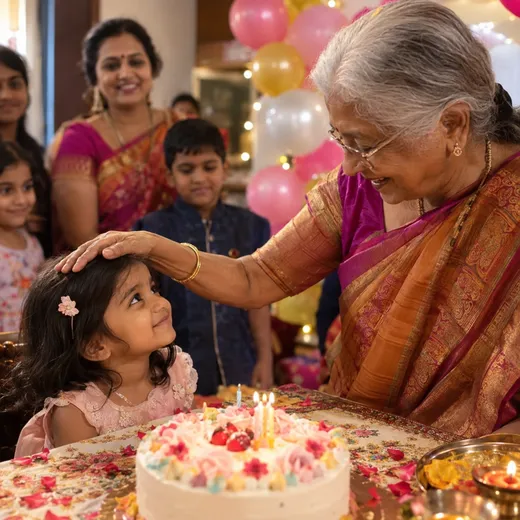



Every guest's photos, one wall.
Add Photo Wall to your website so guests can share their photos. You approve what shows, and everyone relives the day in one place.
See the Photo WallNo more “where is the venue?”
Your venue sits on the invite with a live map. One tap and every guest has turn-by-turn directions in Google Maps.
See how directions workEverything your guests need.
One link does it all. Nothing to install, works on every phone.
 RSVP built in
 Directions
 Music
 Countdown
 Photo gallery
 Wishes Wall
Made for every kind of gathering.
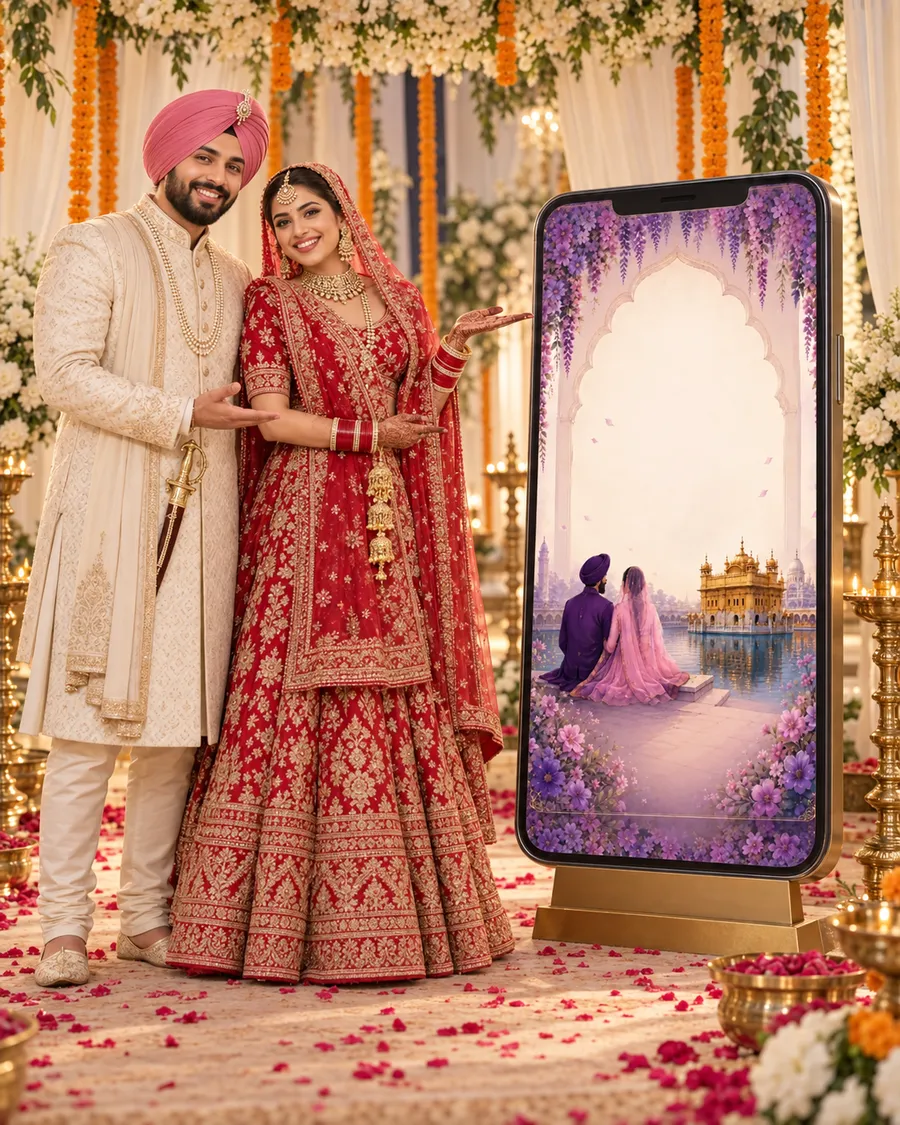
Every ceremony, one link.
Guests find the gurdwara, the lunch and the reception times in one place, with directions a tap away.
Find your themeExample stories for each occasion, not customer reviews.
Questions? Answered.
Can I upload an invitation I made in Canva?
Yes. Export your Canva invitation as a JPG or PNG and upload it here. Your design stays the same; CardToPage adds event details, directions and optional RSVP around it. To change text inside the artwork, edit it in Canva and upload the replacement.
What is CardToPage?
CardToPage turns the invitation card you already have into a guest website with one link. Upload the card image, check the details read from it, choose how the page looks and share the link on WhatsApp. Guests get directions to the venue and, on the full website, RSVP, a Wishes Wall, music and a countdown.
Is CardToPage the same as CardPage?
No. CardToPage (card to page, at cardtopage.com) turns an invitation card into a website for your guests: event details, directions, RSVP and wishes. It is not related to CardPage, the digital business card service. CardToPage is a MakeMyInvite product.
How much does it cost?
Your first two Starter websites are free. The full website is a one-time payment per website, with no subscription. The pricing page shows the current price.
Which files can I use?
Upload JPG, PNG, WebP or HEIC/HEIF images up to 30 MB each, or MP4, MOV and WebM videos up to 40 MB each. You can add up to 5 cards. Convert PDFs to images first with our free PDF tool. Some browsers cannot preview HEIC images or every video format before upload.
Can I preview it before paying?
Yes. Choose a card to see a local preview before signing in. Sign in to save the upload, add your details and preview the guest website. Review your final price before publishing. Your local card preview is not saved if you leave or reload before signing in.
What is free, and what is paid?
Starter gives you two websites per verified account with one image card, event details, directions, call buttons for your phone numbers, your own colour and a random link. Designs and art themes can be previewed on any page; they go live with the full website. The full website adds themes, 100 RSVP replies, music, gallery and Wishes Wall at no extra charge. Photo Wall and additional RSVP replies are optional paid add-ons for the full website.
How long do my free websites stay live?
For 48 hours from first publication, then they are automatically deleted. Drafts and edits use no extra allowance; deletion and unpublishing do not restore an allowance. Review the term and Starter preview before publishing.
Do my guests need an app or an account?
No. Guests open your link in their browser to see your invitation and event details. If you add RSVP, they can reply from the same page.
Can I change the details after sharing?
You can update event details through your dashboard, and guests see the changes when they reopen the link. Changes do not automatically alter words inside your uploaded card or send a notification to guests. Replace the artwork when needed, and tell guests about important changes.
Does this work for birthdays, baby showers and weddings?
Yes. Use an existing invitation for a birthday, baby shower, wedding, anniversary or another event. You keep your design and choose the details and guest features you need.
Your next celebration starts here.
Keep the invitation you love. Make it easier to be your guest.
Upload your card