New Year's Eve invitation templates with RSVP and directions
Start from the New Year's Eve card you already have, made in Canva, by a designer or photographed from print. Pick one of the New Year templates below and it becomes a page around your card, with RSVP, directions, a countdown to midnight and a wishes wall. Guests open one link and reply in a tap.



New Year's Eve templates
Tap Preview to open a template as a live page on a phone, with a sample card, the schedule and the photos. Your card and your details replace them.
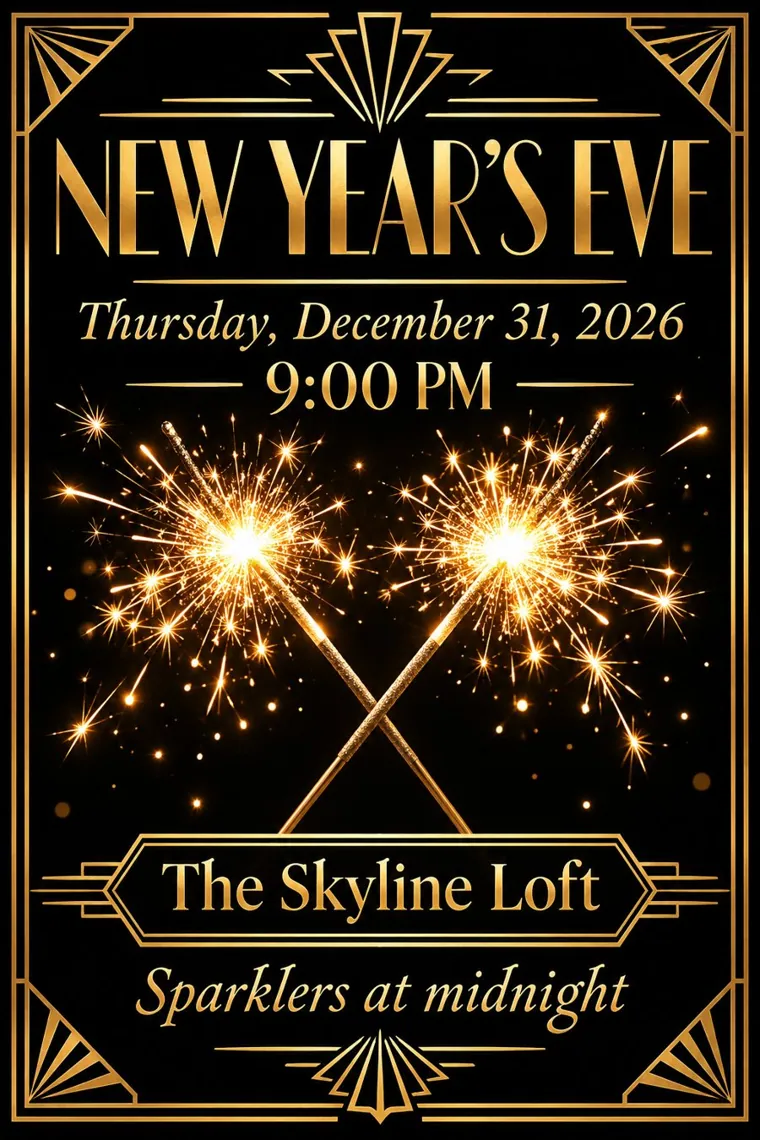
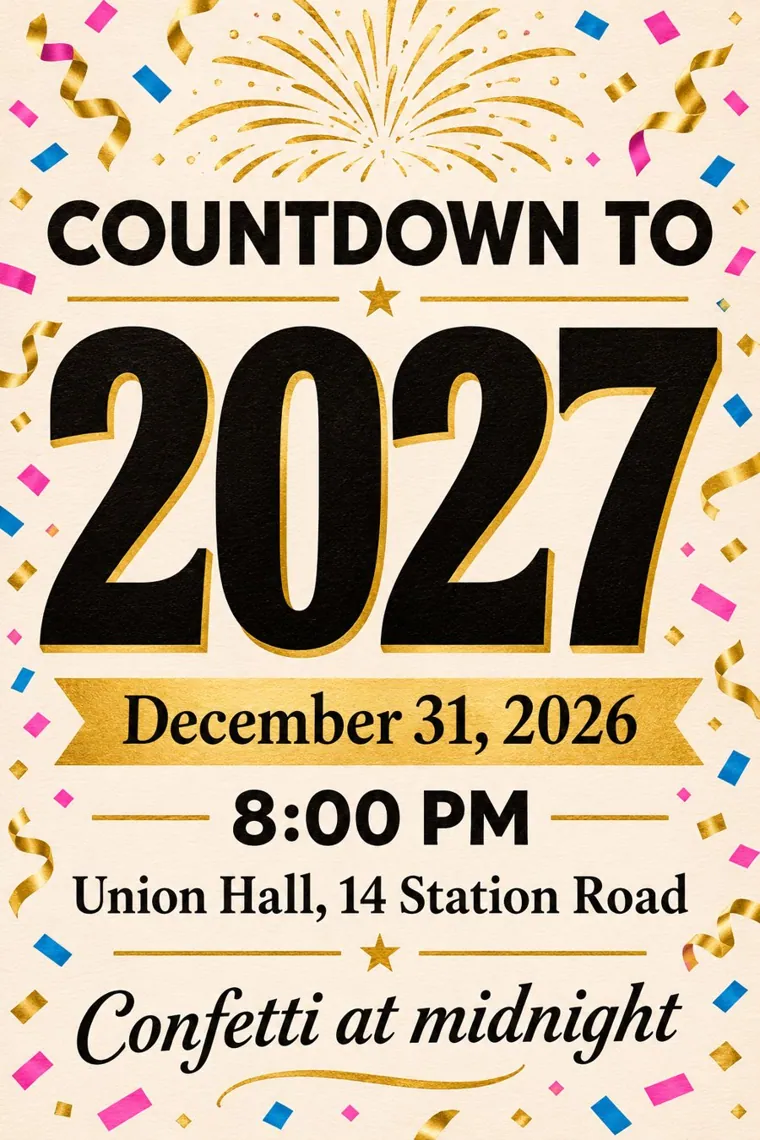
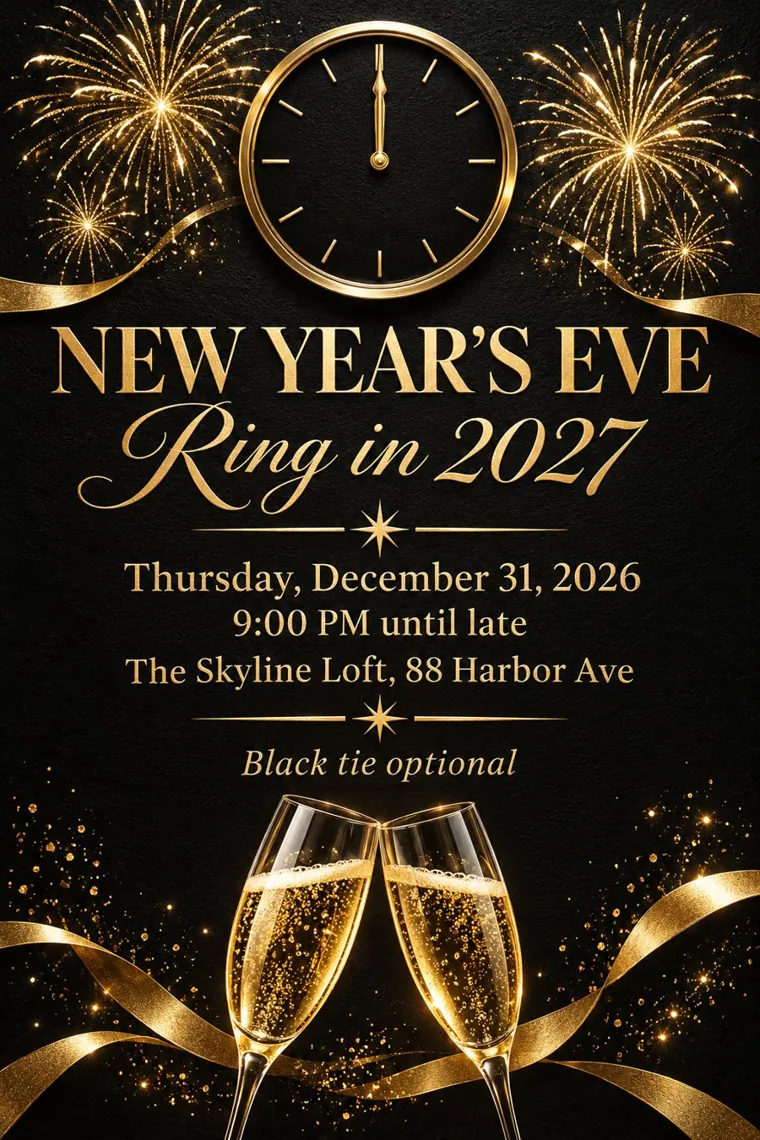
Ideas for every New Year's Eve party
Ask who is coming and how many, so you know how much food and how many glasses to have ready.
Put the entry time, the dress code and the venue in one place. Guests get directions and a calendar entry with one tap.
Bright themes like Confetti Countdown suit an early countdown with children, before the late one.
Midnight 2027 and Sparkler Midnight suit black tie, gold and a seated dinner.
Starting the year with friends? A calm theme and a reply-by date are all it needs.
One link for the team, with the time, the place and a headcount for the caterer.
What your guests get
Guests reply on the page, and you see who is coming and how many.
A Google Maps link from your venue, so nobody has to ask where it is.
The date stays in their calendar, with a countdown to the day.
Guests leave wishes and share photos on the same page.
Tap to call the host or a family member, with the numbers you choose.
Send one link instead of a flat picture, and edit details later without a new link.
What to write on a New Year's Eve invitation
Ring in the new year with us
Thursday, December 31 from 9:00 PM
The Skyline Loft, 88 Harbor Avenue
Please reply by December 24
New Year's Eve dinner
Black tie optional
December 31 at 8:00 PM
Reply on the page so we can set your place
Countdown to 2027
Early countdown for the kids at 8:00 PM
Late countdown for everyone at midnight
Reply by December 27
- Send the link at least two weeks ahead. New Year plans are made early.
- Say when the party starts and when the countdown is, so guests can plan travel home.
- Ask one useful question in the RSVP, such as whether they need a place to stay.
- Add the venue once. Guests get a map and a calendar entry without asking you.
How it works in three steps
- Upload the New Year's Eve invitation you already have: an image, a PDF or a short video.
- Check the date, time and venue we read from it, then pick a template and a color.
- Preview the page, publish, and send one link on WhatsApp, by text or by email.
Questions about New Year's Eve invitations
Can I use a New Year's Eve invitation I made in Canva?
Yes. Download it from Canva as an image or a PDF and upload it here. Your card stays exactly as you designed it, and the template becomes the page around it.
How do guests RSVP to a New Year's Eve invitation?
They open the link you send and tap to reply, with how many people are coming. You see every reply and the headcount on your dashboard. Guests do not need an app or an account.
Does the page count down to midnight?
Yes. The page shows a countdown to the date and time on your invitation, and guests can add it to their calendar in one tap.
Can I change the details after I send the link?
Yes. Edit the time, the venue or the note and the same link shows the new details, so nobody has a wrong copy.
Is it free to try?
Your first two pages are free, so you can see your New Year's Eve invitation as a live page before you decide.
Your first two pages are free.
Upload your card