Memorial invitation templates with RSVP and directions
When family and friends need to know where and when to gather, start from the notice or card you already have. The remembrance template below places it on a quiet page with the time, directions to the venue and a space where people can share memories. Everyone receives one link.
Remembrance templates
Tap Preview to open a template as a live page on a phone, with a sample card, the schedule and the photos. Your card and your details replace them.
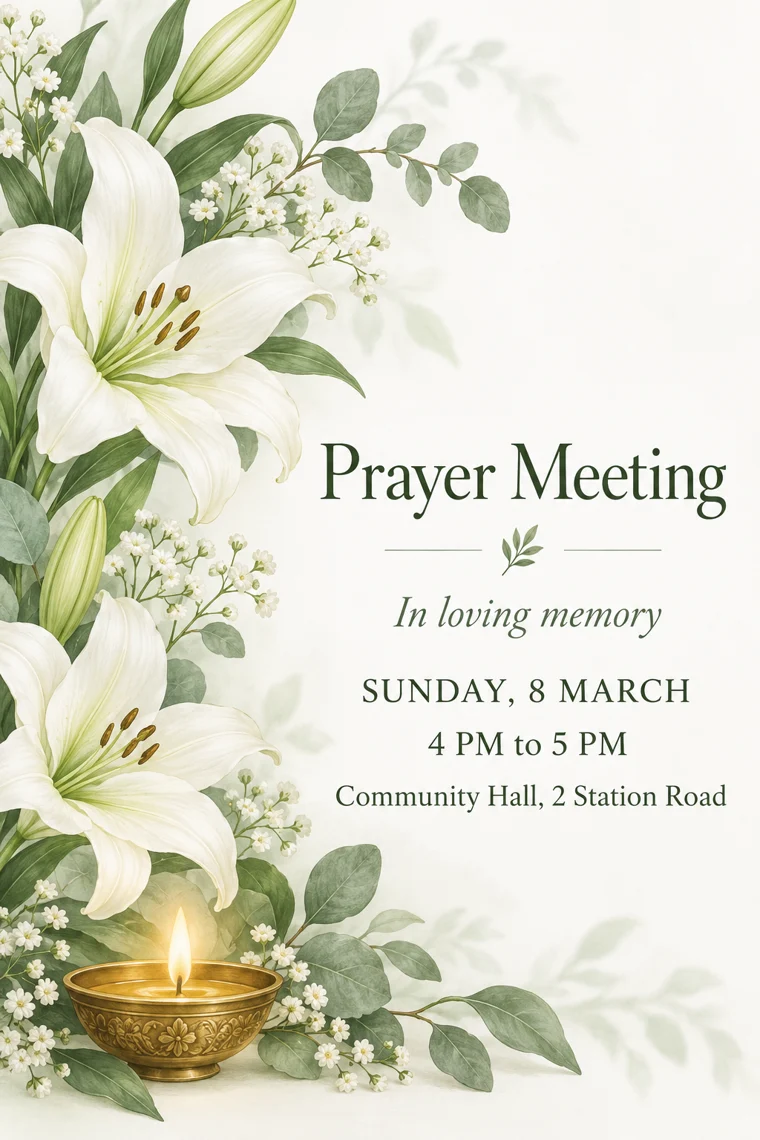
Gatherings to remember someone
Share the time and the address once, with a map, so relatives coming from out of town can find the place without calling the family.
A prayer meeting, chautha or uthamna is often arranged within days. One link reaches the whole family group at once.
Some families choose an afternoon of stories and music. The page can hold the schedule, photos and a space for memories.
A first anniversary or a yearly prayer can be shared the same way, with the date and the place.
When the service and the burial or cremation are in different places, add each to the schedule with its own directions.
If the family is receiving visitors at home, add the hours to the note so people know when to come.
What your guests get
Guests reply on the page, and you see who is coming and how many.
A Google Maps link from your venue, so nobody has to ask where it is.
The date stays in their calendar, with a countdown to the day.
Guests leave wishes and share photos on the same page.
Tap to call the host or a family member, with the numbers you choose.
Send one link instead of a flat picture, and edit details later without a new link.
What to write on a remembrance invitation
In loving memory
Margaret Ellen Carter
A memorial service will be held on Saturday, March 6 at 11:00 AM
St. Andrew's Church, 12 Elm Street
With deep sorrow
A prayer meeting for Shri Ramesh Gupta
Sunday at 4:00 PM
Arya Samaj Hall, Sector 15
Celebrating the life of
David Okafor
An afternoon of stories, music and his favorite food
Saturday at 2:00 PM, Riverside Park Pavilion
- Keep the words simple. The name, the date, the time and the place are what people need.
- Ask in the RSVP only what helps you plan, such as how many people will attend.
- If the family prefers donations to flowers, say so in the note.
- If the time or the venue changes, edit it once and the same link shows the update.
How it works in three steps
- Upload the remembrance invitation you already have: an image, a PDF or a short video.
- Check the date, time and venue we read from it, then pick a template and a color.
- Preview the page, publish, and send one link on WhatsApp, by text or by email.
Questions about remembrance invitations
Is a link a suitable way to share memorial details?
Many families now share service details on WhatsApp or by text, because news travels fast. A link keeps the details in one place with a map, and it can be corrected if anything changes.
Can people leave a message for the family?
Yes. The wishes wall on the page works as a place for memories and messages to the family.
Do guests have to reply?
Only if you ask them to. The reply button helps you know how many people to expect, for seating, food or transport.
Can I use a printed notice or a photo of a card?
Yes. Take a clear photo or save it as a PDF and upload it. The notice stays exactly as it is.
The time, the place and directions, on one link for family and friends.
Upload your card