Halloween party invitation templates with RSVP and directions
Start from the Halloween card you already have, made in Canva, by a designer or photographed from print. Pick a template below, from friendly ghosts to a haunted mansion, and the card becomes a page with RSVP, directions, a countdown to the night and a wall for costume photos.

Halloween templates
Tap Preview to open a template as a live page on a phone, with a sample card, the schedule and the photos. Your card and your details replace them.
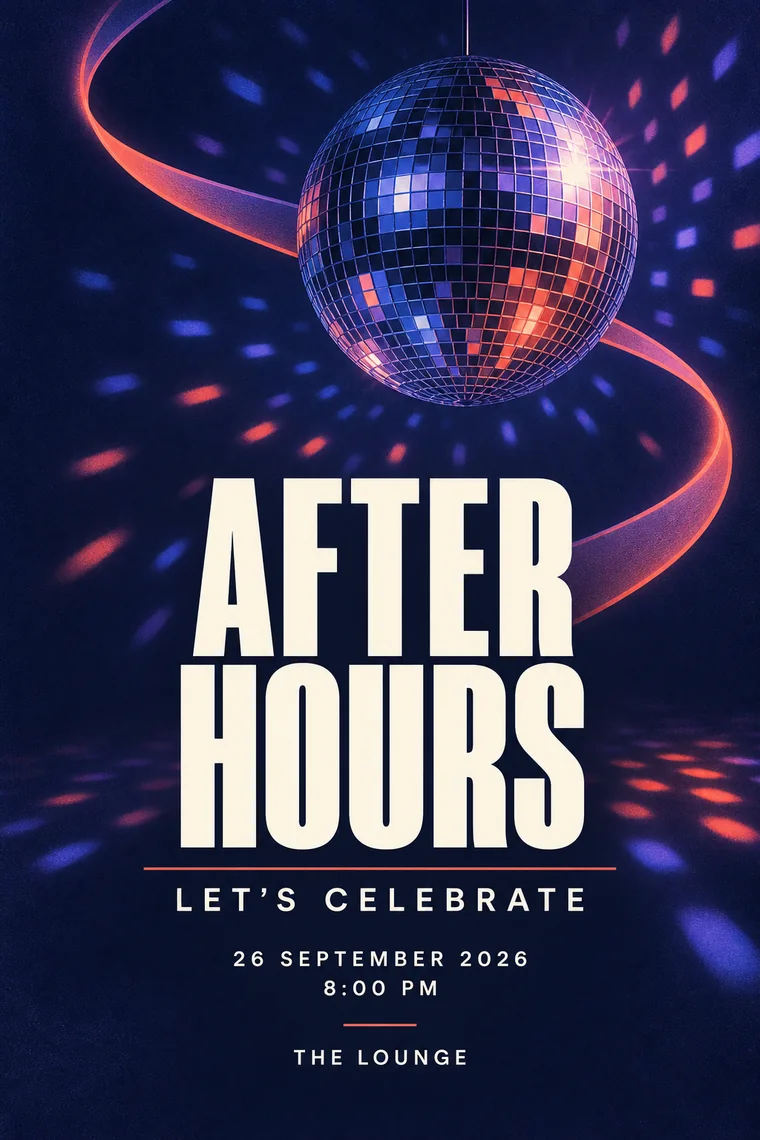
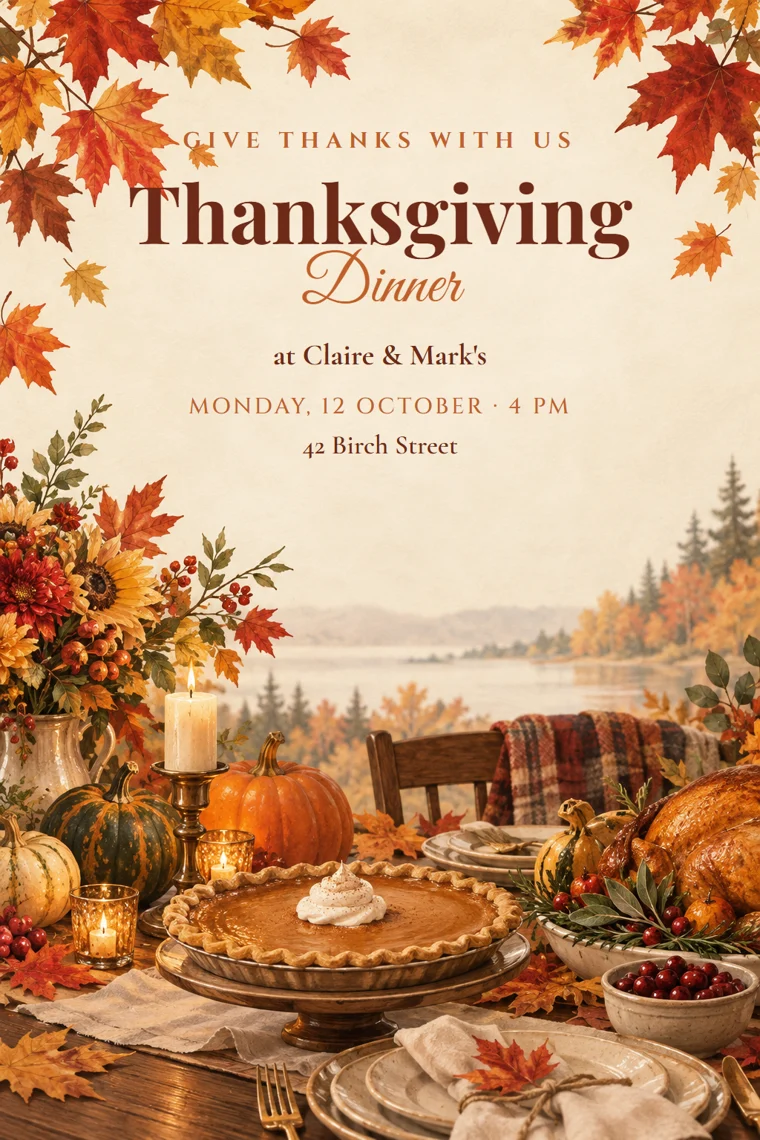
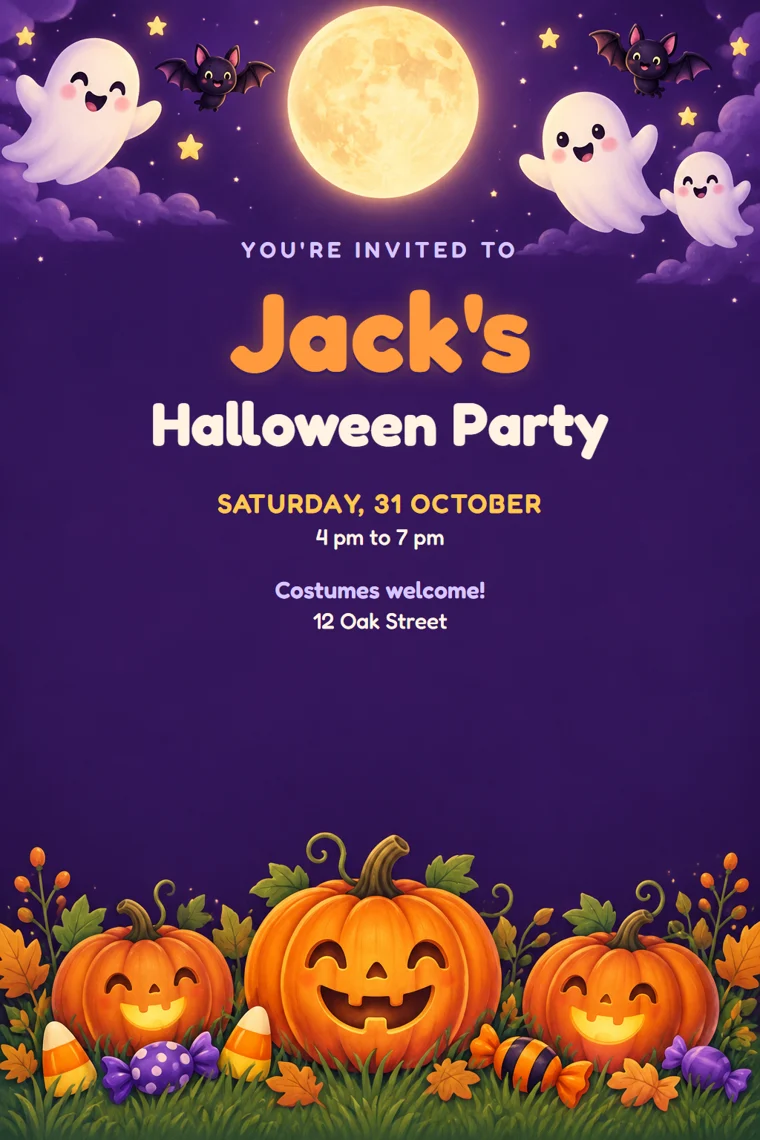
Ideas for every Halloween party
Put the theme of the costumes in the note and ask guests to post their look on the photo wall after the party.
Boo! Ghosts and Candy Night are friendly, not frightening. Ask parents about allergies before you buy the candy.
Share the meeting point and the route as a map, so families find the group even after dark.
Haunted Mansion and Witch's Brew set the mood for a darker evening for grown-ups.
An afternoon at the pumpkin patch or the kitchen table. Ask how many pumpkins to pick up in the RSVP.
One link with the costume contest time and the room, and a headcount for snacks.
What your guests get
Guests reply on the page, and you see who is coming and how many.
A Google Maps link from your venue, so nobody has to ask where it is.
The date stays in their calendar, with a countdown to the day.
Guests leave wishes and share photos on the same page.
Tap to call the host or a family member, with the numbers you choose.
Send one link instead of a flat picture, and edit details later without a new link.
What to write on a Halloween invitation
Come in costume
A Halloween party at the Reyes house
Saturday, October 30 at 7:00 PM
Best costume wins a prize
Reply by October 25
Boo! You are invited
Ghosts, games and a candy hunt
Saturday at 3:00 PM
Reply so we can fill enough treat bags
Enter if you dare
A haunted evening of food and stories
Friday at 9:00 PM
Reply on the page, then wait for the knock
- Send the link three weeks ahead. October weekends book up quickly.
- Say whether costumes are required or only welcome.
- For a kids party, write the pickup time and ask about allergies.
- Halloween night is dark. Add the venue so guests get a map instead of hunting for the house number.
How it works in three steps
- Upload the Halloween invitation you already have: an image, a PDF or a short video.
- Check the date, time and venue we read from it, then pick a template and a color.
- Preview the page, publish, and send one link on WhatsApp, by text or by email.
Questions about Halloween invitations
Are there Halloween templates for kids?
Yes. Boo! Ghosts, Candy Night and Pumpkin Patch are bright and friendly. Haunted Mansion and Witch's Brew are spookier and suit grown-up parties.
How do guests RSVP to a Halloween party?
They open the link and tap to reply, with how many are coming. You see every reply and the total on your dashboard, and guests need no app.
Can guests share costume photos?
Yes. The photo wall on the page lets guests add pictures during and after the party.
Can I use a Halloween invitation from Canva?
Yes. Download it as an image or a PDF and upload it. Your card stays as it is, and the template becomes the page around it.
Your first two pages are free.
Upload your card