Diwali and festival invitation templates with RSVP and directions
Bring the festival card you already have, from Canva, a designer or a printed card you photographed. Pick a template below for Diwali, Eid, Navratri, Holi, Onam, Lohri or Durga Puja, and the card becomes a page with RSVP, directions, the schedule of the evening and a wishes wall.
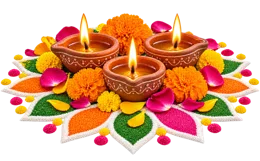
Festival templates
Tap Preview to open a template as a live page on a phone, with a sample card, the schedule and the photos. Your card and your details replace them.
Ideas for festival gatherings
Lamps, sweets and a card table. Ask who is coming so you know how many boxes of mithai to order, and add the address once for directions.
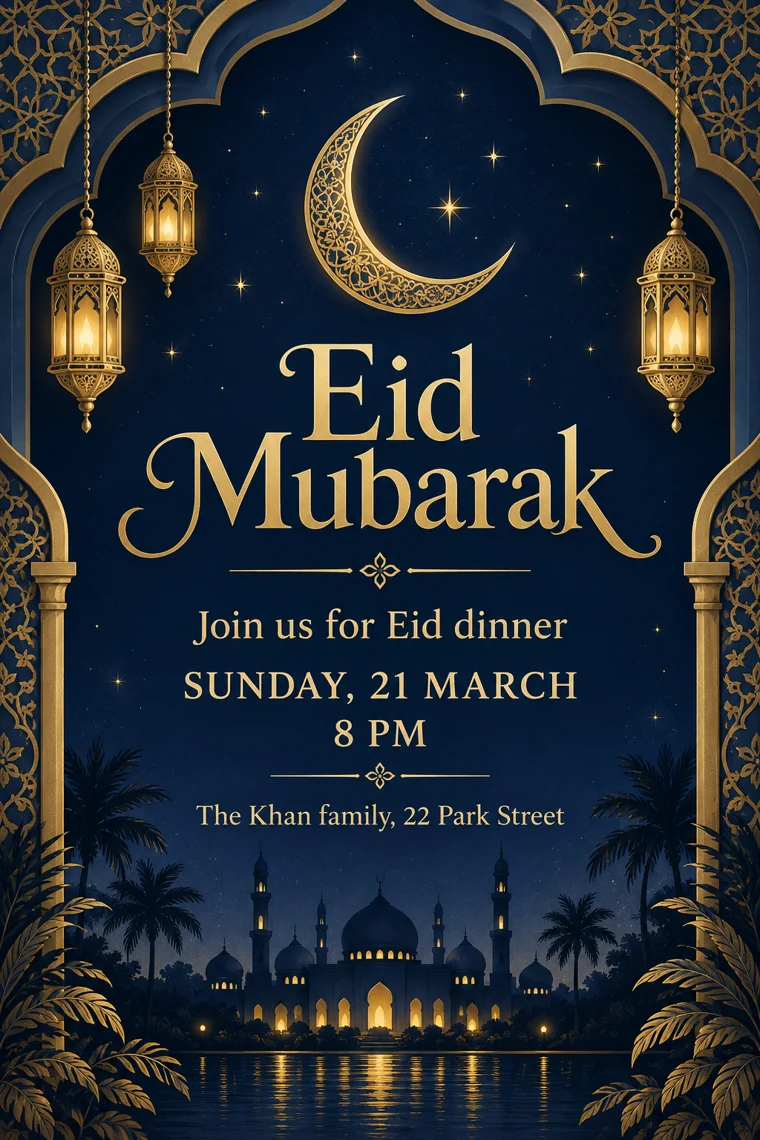
Share the dinner time after the last prayer and a map to the house. Eid Midnight Gold and Chand Raat suit an evening gathering.
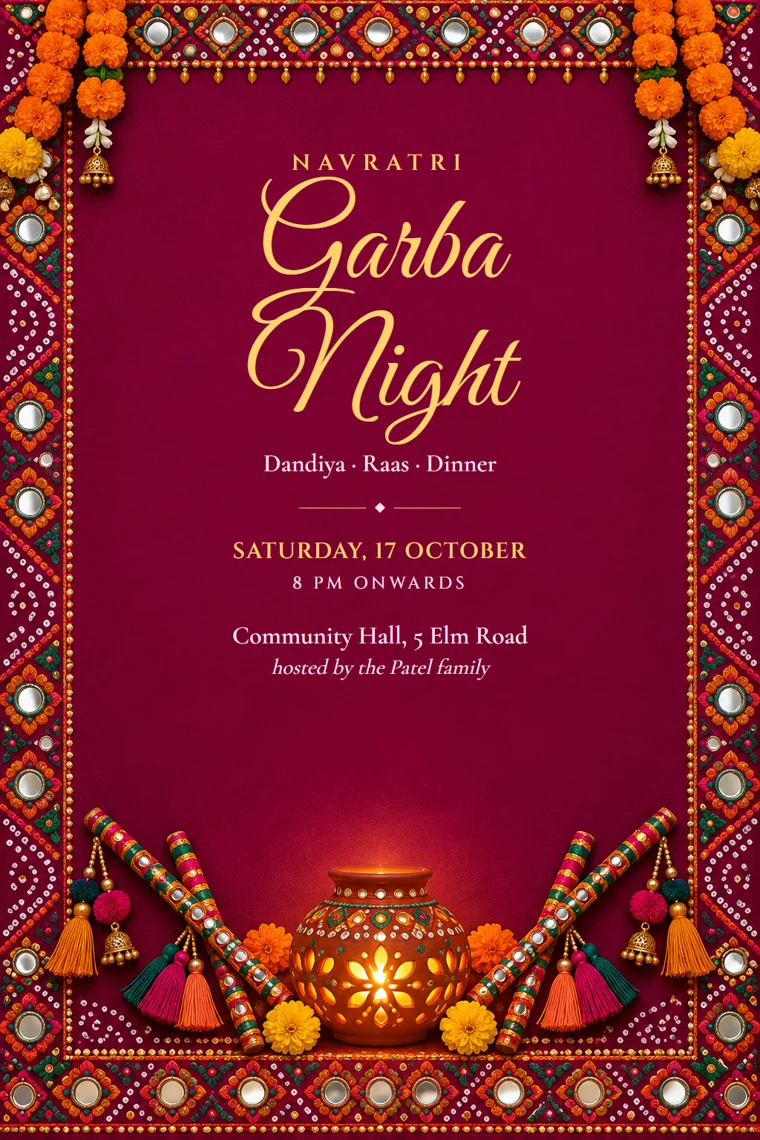
Put the passes, the color of the night and the venue on one page. Guests reply with how many people are in their group.
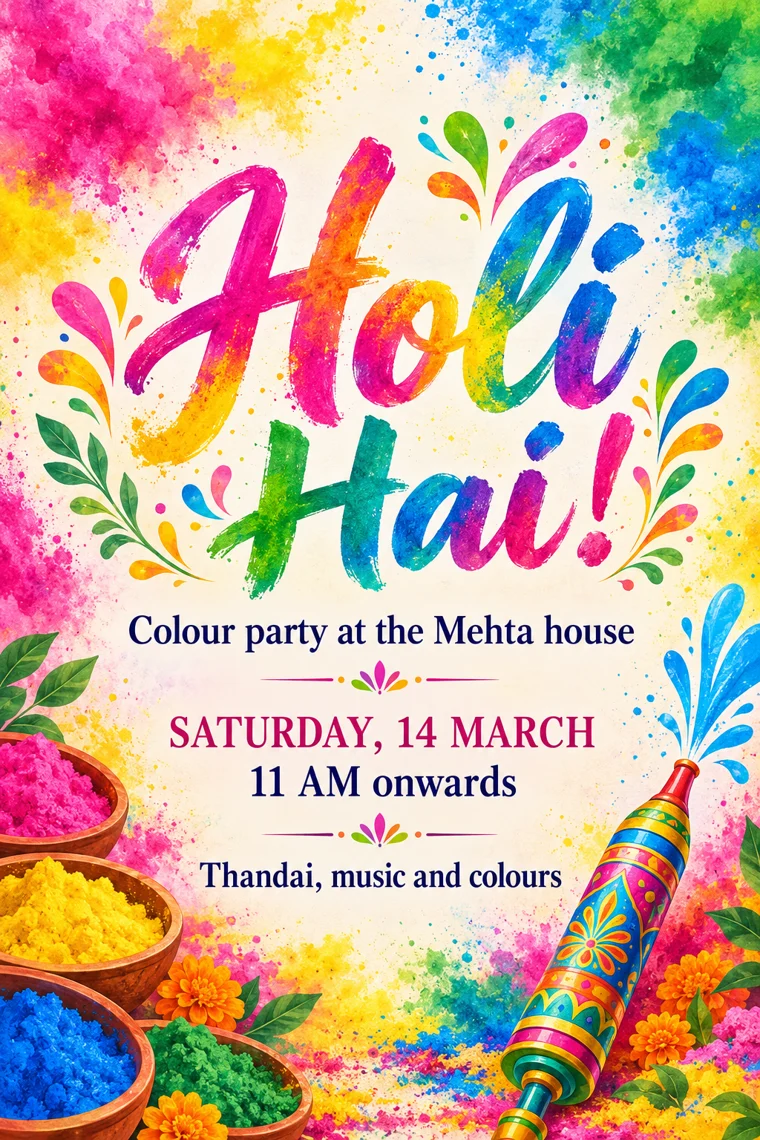
Tell guests to wear white and bring a change of clothes. The Holi template is as bright as the day itself.
List the pooja time, the bhog and the evening program in the schedule, so family knows when to arrive and when to eat.
Onam sadhya, a Lohri bonfire or Sankranti kites each have their own template, and RSVP tells you how many places to set.
What your guests get
Guests reply on the page, and you see who is coming and how many.
A Google Maps link from your venue, so nobody has to ask where it is.
The date stays in their calendar, with a countdown to the day.
Guests leave wishes and share photos on the same page.
Tap to call the host or a family member, with the numbers you choose.
Send one link instead of a flat picture, and edit details later without a new link.
What to write on a festival invitation
Celebrate Diwali with us
Lamps, sweets and a card table that never closes
Saturday from 7:00 PM
The Mehta home, 14 Lotus Lane
Please reply a week before
Eid Mubarak
Join us for Eid dinner
Sunday at 8:00 PM, after Isha
Reply on the page so we can plan the table
Garba night
Wear yellow, it is the color of the night
Friday at 8:30 PM, Community Hall, Sector 5
Reply with how many are in your group
- Festival dates follow the lunar calendar and move every year. Check the date on the card before you send the link.
- Festival weekends fill up with family plans. Send the link three weeks ahead.
- Put the dress code or the color of the night in the note.
- When the evening has a pooja and a dinner, list both in the schedule with their own times.
How it works in three steps
- Upload the festival invitation you already have: an image, a PDF or a short video.
- Check the date, time and venue we read from it, then pick a template and a color.
- Preview the page, publish, and send one link on WhatsApp, by text or by email.
Questions about festival invitations
Which festivals do the templates cover?
Diwali, Eid, Ramadan iftar, Navratri garba and dandiya, Holi, Onam, Lohri, Makar Sankranti, the Ganesh festival and Durga Puja, plus general festive looks with lamps and lights.
Can I use a festival card I got on WhatsApp or made in Canva?
Yes, if it is your own card. Save it as an image or a PDF and upload it. The card stays as it is, and the template becomes the page around it.
How do guests reply to a festival invitation?
They open the link and tap to reply with how many are coming. You see each reply and the total on your dashboard. Guests need no app.
Can one page cover several days of a festival?
Yes. Add each day or each event to the schedule with its own time and place, and guests see the whole festival on one link.
Your first two pages are free.
Upload your card