Christmas invitation templates with RSVP and directions
Start from the Christmas card you already have, made in Canva, by a designer or photographed from print. Pick one of the Christmas templates below and it becomes a page around your card, with RSVP, directions, a countdown and a wishes wall. Guests open one link and reply in a tap.




Christmas templates
Tap Preview to open a template as a live page on a phone, with a sample card, the schedule and the photos. Your card and your details replace them.
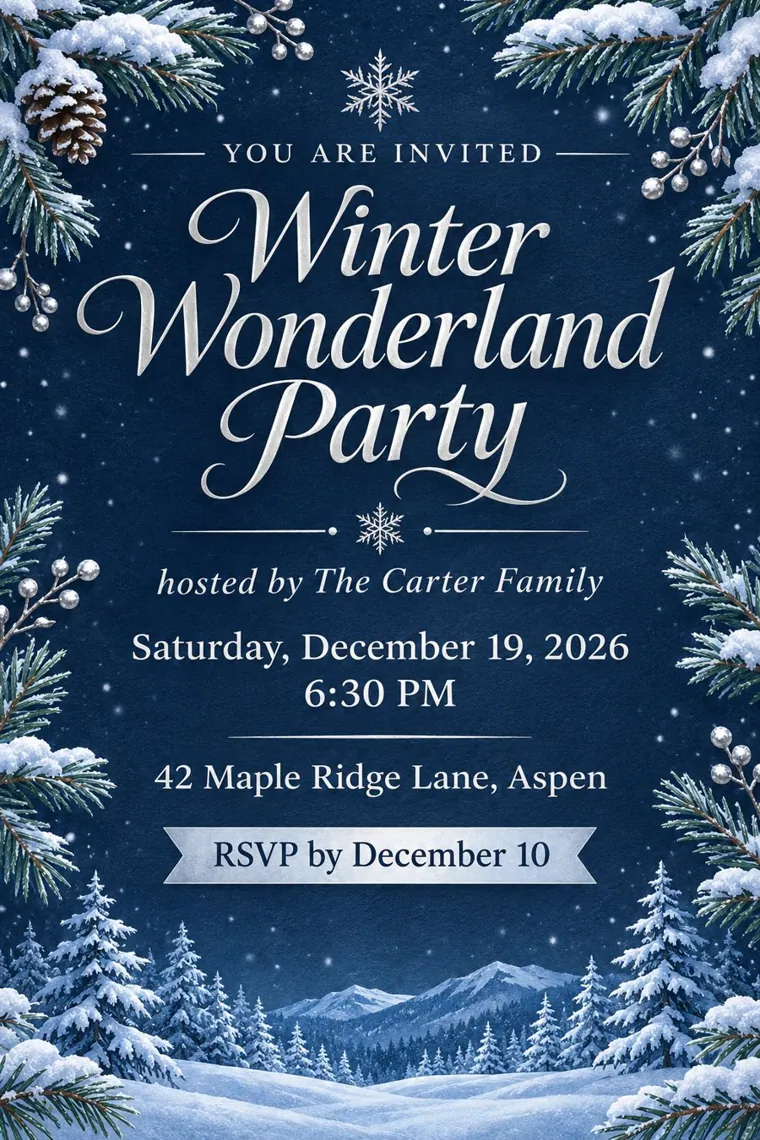
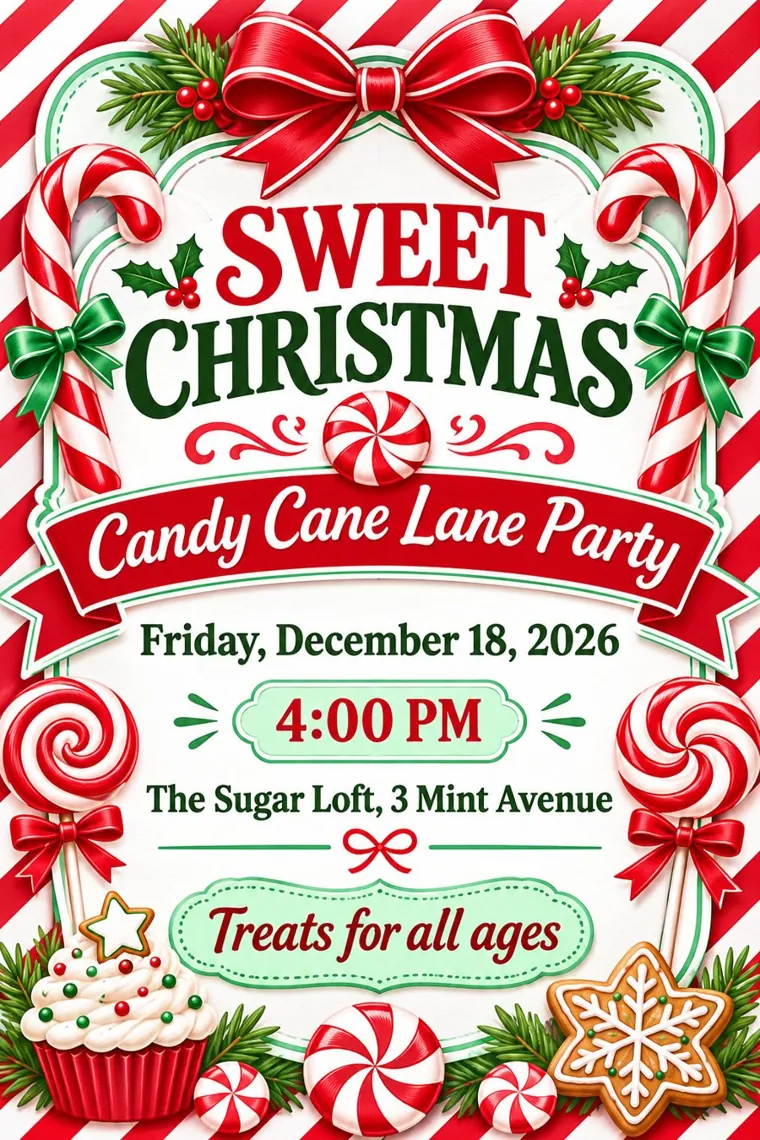
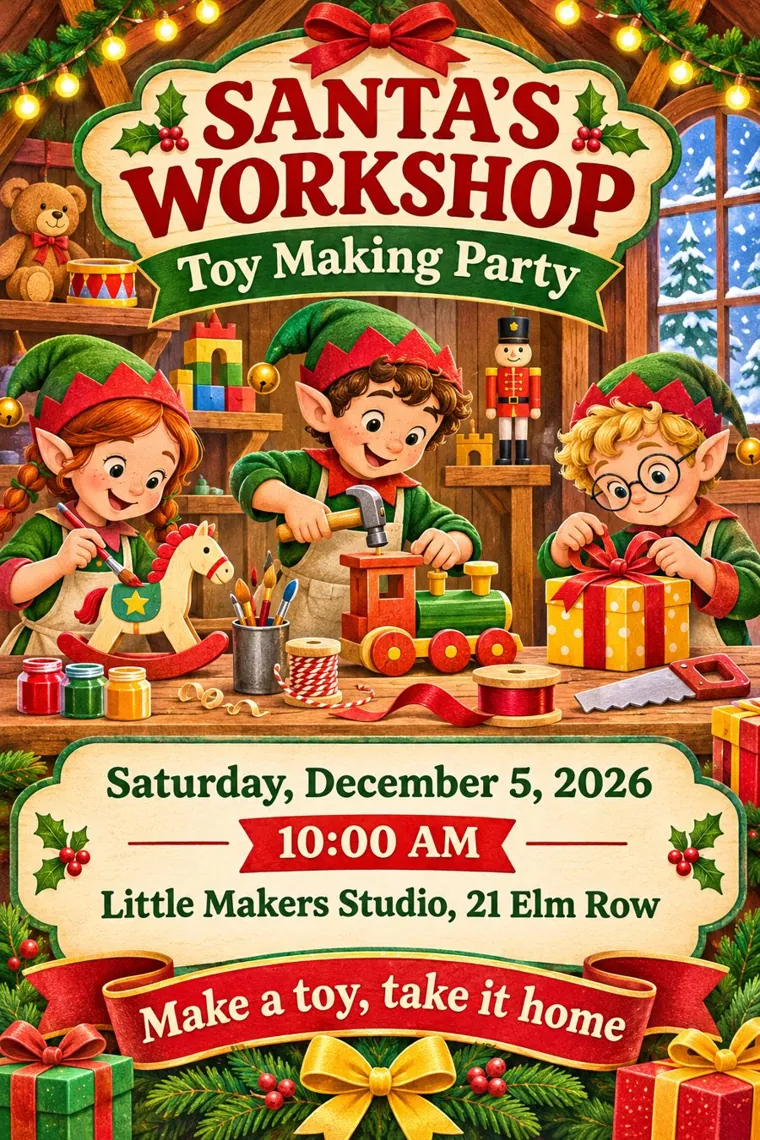
Ideas for every Christmas party
Ask who is coming and how many, so you know how many places to set. Add the address once and every guest gets directions to the door.
One link for the whole team, with the venue, the start time and a headcount for the caterer. Change the room later and the link stays the same.
Put the spending limit and the swap rules in the note, and let guests reply on the page instead of in a long group chat.
Bright themes like Candy Cane Lane and Gingerbread Lane suit an afternoon party. Ask parents for allergies in the RSVP.
Quieter themes like Silent Night and Starlit Noel suit candlelight services, carols and a late supper.
Celebrating in the sun? Tropical Christmas is made for beach barbecues and pool parties in December.
What your guests get
Guests reply on the page, and you see who is coming and how many.
A Google Maps link from your venue, so nobody has to ask where it is.
The date stays in their calendar, with a countdown to the day.
Guests leave wishes and share photos on the same page.
Tap to call the host or a family member, with the numbers you choose.
Send one link instead of a flat picture, and edit details later without a new link.
What to write on a Christmas invitation
Join us for Christmas dinner
Saturday, December 19 at 6:30 PM
The Carter home, 42 Maple Ridge Lane
Please reply by December 10
You are invited to our holiday party
Friday, December 18, 7:00 PM
The Glasshouse, 3rd floor
Reply on the page so we can plan food and drinks
Secret Santa night
Bring one wrapped gift, about the price of a good book
Thursday, December 17 at 7:30 PM
Reply by Sunday so we can draw names
- Put a reply-by date on the card or in the note. Ten days before the party gives you time to plan food.
- Send the link two to three weeks ahead. December weekends fill up fast.
- Ask one useful question in the RSVP, such as dietary needs or whether children are coming.
- Add the venue once. Guests get a map and a calendar entry without asking you.
How it works in three steps
- Upload the Christmas invitation you already have: an image, a PDF or a short video.
- Check the date, time and venue we read from it, then pick a template and a color.
- Preview the page, publish, and send one link on WhatsApp, by text or by email.
Questions about Christmas invitations
Can I use a Christmas invitation I made in Canva?
Yes. Download it from Canva as an image or a PDF and upload it here. Your card stays exactly as you designed it, and the template becomes the page around it.
How do guests RSVP to a Christmas invitation?
They open the link you send and tap to reply, with how many people are coming. You see every reply and the headcount on your dashboard. Guests do not need an app or an account.
Can I change the details after I send the link?
Yes. Edit the time, the venue or the note and the same link shows the new details, so nobody has a wrong copy.
Which Christmas template should I pick?
Match the mood of your card. Snow Globe, Silent Night and Starlit Noel are calm and elegant, Cartoon Christmas, Candy Cane Lane and Santa's Workshop are bright and playful, and Tropical Christmas suits a summer party. You can preview each one and switch at any time.
Is it free to try?
Your first two pages are free, so you can see your Christmas invitation as a live page before you decide.
Your first two pages are free.
Upload your card