Club Party: a digital party invitation theme
Club Party is a theme for the card you already have. Upload your invitation and it sits inside Club Party's backdrop, drawn around club, night party, disco, karaoke night, with RSVP, directions, a countdown and a wishes wall added around it. Made for parties, dinners and celebrations of any size.

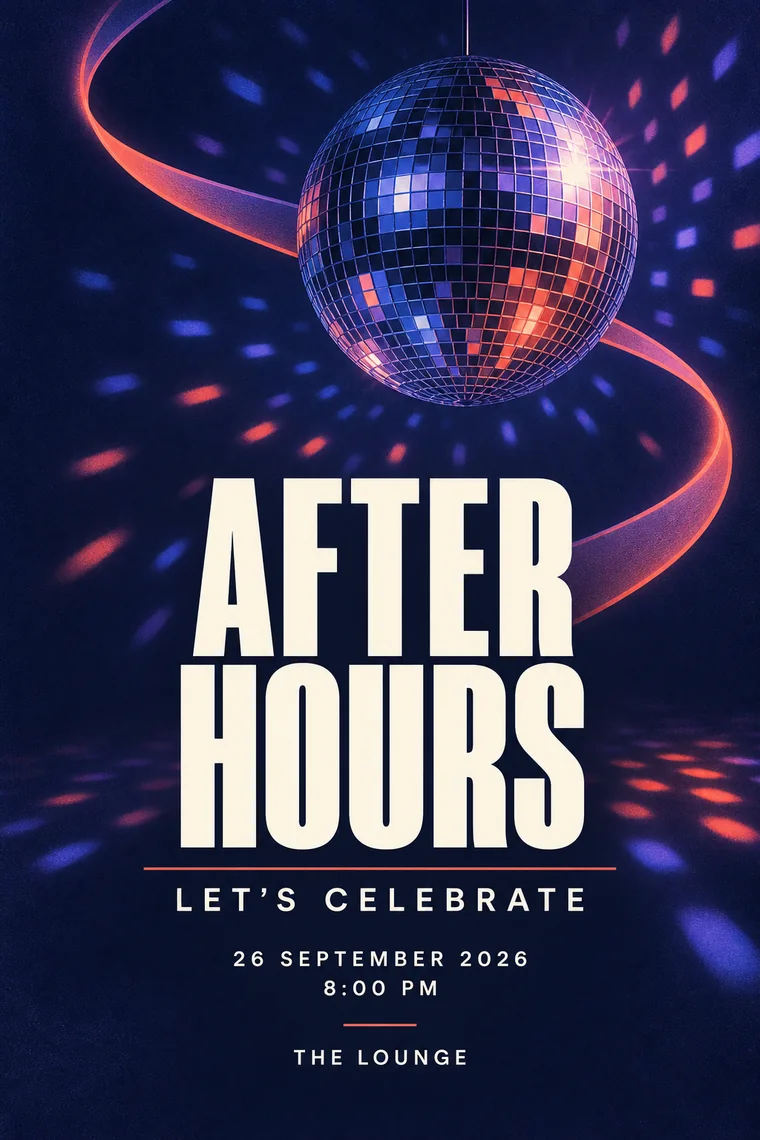
What your guests get with Club Party
Guests reply on the page, and you see who is coming and how many.
A Google Maps link from your venue, so nobody has to ask where it is.
The date stays in their calendar, with a countdown to the day.
Guests leave wishes and share photos on the same page.
Tap to call the host or a family member, with the numbers you choose.
Send one link instead of a flat picture, and edit details later without a new link.
How to use Club Party in three steps
- Upload the invitation you already have: a JPG, PNG, WebP, HEIC or a short video.
- Check the date, time and venue we read from it, then pick Club Party and a color.
- Preview the page, publish, and send one link on WhatsApp.
Questions about Club Party
Can I use my own card with the Club Party theme?
Yes. Upload the invitation you already have, from Canva, a designer or a photo of a printed card. Your card stays exactly as it is, and Club Party becomes the page around it.
Is Club Party a good choice for a party?
It was made for parties, dinners and celebrations of any size, with a look built from club, night party, disco, karaoke night. You can preview it with your own card before you publish, and switch to another theme at any time.
What does my guest page include?
RSVP with headcounts, Google Maps directions, a countdown, add to calendar, call buttons, a wishes wall, a photo wall and a gallery, all on one link you send on WhatsApp.
Will the theme change my invitation card?
No. The theme only changes the backdrop, colors and motion around your card. The card image is never edited or cropped.