Baby shower invitation templates with RSVP and directions
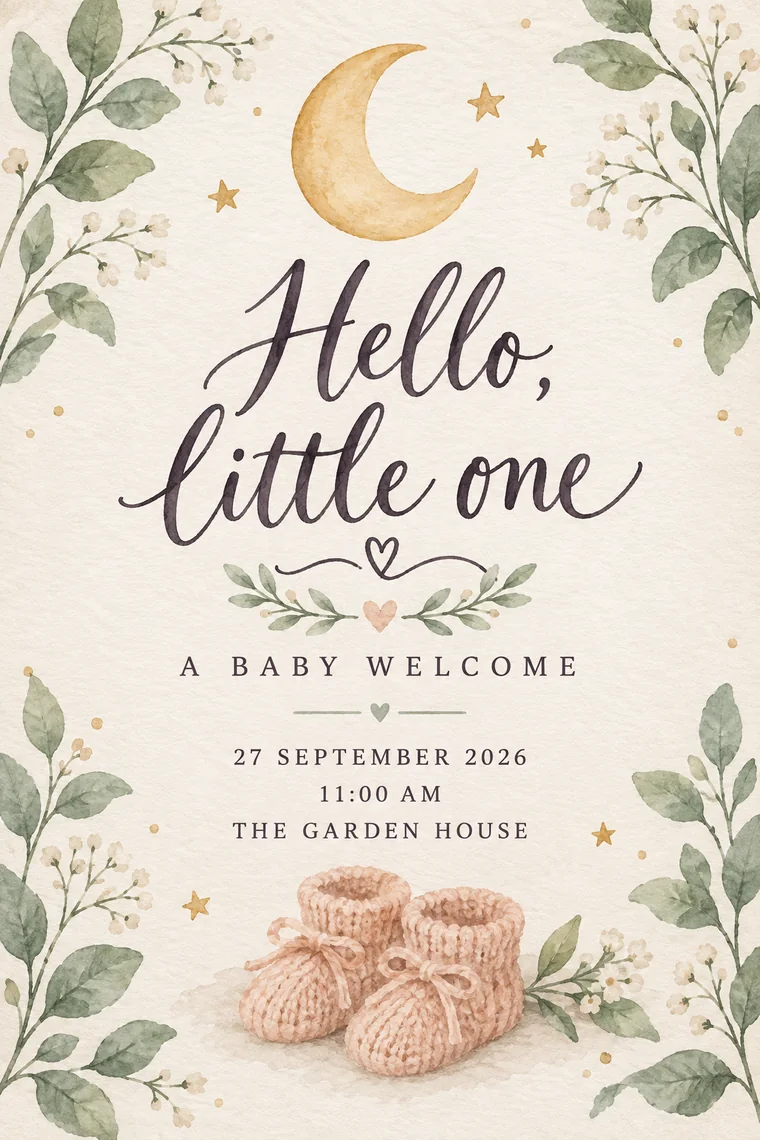
Use the baby shower card you already have, from Canva, a designer or a photo of a printed invite. Pick a template below and the card sits on a soft page with RSVP, directions and a countdown, plus a wishes wall where guests leave notes for the baby to read one day.



Baby shower templates
Tap Preview to open a template as a live page on a phone, with a sample card, the schedule and the photos. Your card and your details replace them.
Ideas for a baby shower
Games, cake and a pile of tiny clothes. Ask in the RSVP how many are coming so the host can plan food and favors.
Meeting the baby after the birth? Give a window of time instead of a start time, so visits are spread out and the parents can rest.
Keep the secret on the card and the time of the reveal in the schedule. The wishes wall collects everyone's guesses.
Share the muhurat, the ceremony and the lunch with their times, and give elders directions they can open with one tap.
A relaxed evening for both parents to be and their friends. A calm template and a reply-by date are all it needs.
One link for the team with the room and the time. Coworkers who cannot attend can still leave a message on the page.
What your guests get
Guests reply on the page, and you see who is coming and how many.
A Google Maps link from your venue, so nobody has to ask where it is.
The date stays in their calendar, with a countdown to the day.
Guests leave wishes and share photos on the same page.
Tap to call the host or a family member, with the numbers you choose.
Send one link instead of a flat picture, and edit details later without a new link.
What to write on a baby shower invitation
A little one is on the way
Join us for a baby shower for Priya
Sunday, April 11 at 1:00 PM
The Garden Room, 27 Willow Court
Please reply by April 4
Come meet baby Noah
Drop by any time between 2 and 5 PM
Saturday, May 8
Reply so we know when to expect you
Boy or girl?
Find out with us
Saturday, June 12 at 4:00 PM
Leave your guess on the wishes wall
- Send the link three to four weeks ahead. Guests often plan a gift.
- If the parents have a registry, add the registry link to the page instead of writing it on the card.
- Ask one helpful question in the RSVP, such as dietary needs.
- A shower close to the due date can move. Edit the date and the same link shows the new one.
How it works in three steps
- Upload the baby shower invitation you already have: an image, a PDF or a short video.
- Check the date, time and venue we read from it, then pick a template and a color.
- Preview the page, publish, and send one link on WhatsApp, by text or by email.
Questions about baby shower invitations
Can I add a gift registry to the page?
Yes. Add the registry link and guests see a button that opens it. The card itself stays clean.
How do guests RSVP to a baby shower invitation?
They open the link and tap to reply with how many are coming. You see every reply and the total on your dashboard. Guests need no app or account.
Can I use a baby shower card I made in Canva?
Yes. Download it as an image or a PDF and upload it. The card stays exactly as you designed it, and the template becomes the page around it.
Can guests leave messages for the baby?
Yes. The wishes wall keeps their notes and photos on the page, so the parents can read them later.
Your first two pages are free.
Upload your card